
Integrating with Swagger UI
How @ApiDynamicQuery generates OpenAPI parameters from the compiled rules, and why the request interceptor is needed.
@ApiDynamicQuery(rules) takes the object defineQueryRules(...) returned and
does two things with it: registers it as the endpoint's authorisation rules, and
generates the OpenAPI parameters. One object, two uses — which is the point:
the documentation cannot describe an endpoint the authorisation does not
enforce.
Not generic, and compiled outside the class
@ApiDynamicQuery lost its type parameter in v3. A leftover
@ApiDynamicQuery<User>({ filters: [...] }) gives
TS2558: Expected 0 type arguments, but got 1.
It is also a method decorator, evaluated when the controller class loads —
before Nest has a container or a repository. So the rules have to be compiled at
module scope, in their own file. In particular, the TypeORM
buildSchemaRegistry(repository) recipe does not compose with it, because there
is no repository yet.
Prerequisites
@nestjs/swagger^11installed (it is an optional peer dependency)SwaggerModuleinitialised inbootstrapwithDocumentBuilderquery parserset toextendedon Express (required for nested filters)dqbSwaggerRequestInterceptorregistered in theSwaggerModule.setupoptions, to try filters from the UI
pnpm add @nestjs/swaggerimport { NestFactory } from '@nestjs/core';
import { NestExpressApplication } from '@nestjs/platform-express';
import { DocumentBuilder, SwaggerModule } from '@nestjs/swagger';
import { ValidationPipe } from '@nestjs/common';
import { AppModule } from './app.module';
import { dqbSwaggerRequestInterceptor } from 'nestjs-rest-query';
async function bootstrap() {
const app = await NestFactory.create<NestExpressApplication>(AppModule);
// Required so filter[field][op]=value is parsed as a nested object
app.set('query parser', 'extended');
app.useGlobalPipes(
new ValidationPipe({
transform: true,
transformOptions: { enableImplicitConversion: true },
})
);
const document = SwaggerModule.createDocument(
app,
new DocumentBuilder().setTitle('My API').setVersion('1.0').build()
);
SwaggerModule.setup('/', app, document, {
swaggerOptions: {
// Required to try nested filters directly in Swagger UI
requestInterceptor: dqbSwaggerRequestInterceptor(document),
},
});
await app.listen(process.env.PORT ?? 3000);
}
bootstrap();If @nestjs/swagger is not installed, @ApiDynamicQuery still registers the
rules and simply emits no OpenAPI decorator — the import is guarded.
In the controller
import { Controller, Get, Query } from '@nestjs/common';
import { ApiTags } from '@nestjs/swagger';
import {
  ApiDynamicQuery,
  ApiPaginatedResponse,
  DynamicQueryDto,
  QueryRules,
  type CompiledQueryRules,
} from 'nestjs-rest-query';
import { User } from './entities/user.entity';
import { UsersService } from './users.service';
// Compiled at module load, in its own file.
import { userRules } from './users.query';

@ApiTags('users')
@Controller('users')
export class UsersController {
  constructor(private readonly usersService: UsersService) {}

  @Get()
  @ApiDynamicQuery(userRules)
  @ApiPaginatedResponse(User, { description: 'User list' })
  findAll(
    @Query() query: DynamicQueryDto,
    @QueryRules() rules: CompiledQueryRules
  ) {
    return this.usersService.findAll(query, rules);
  }
}
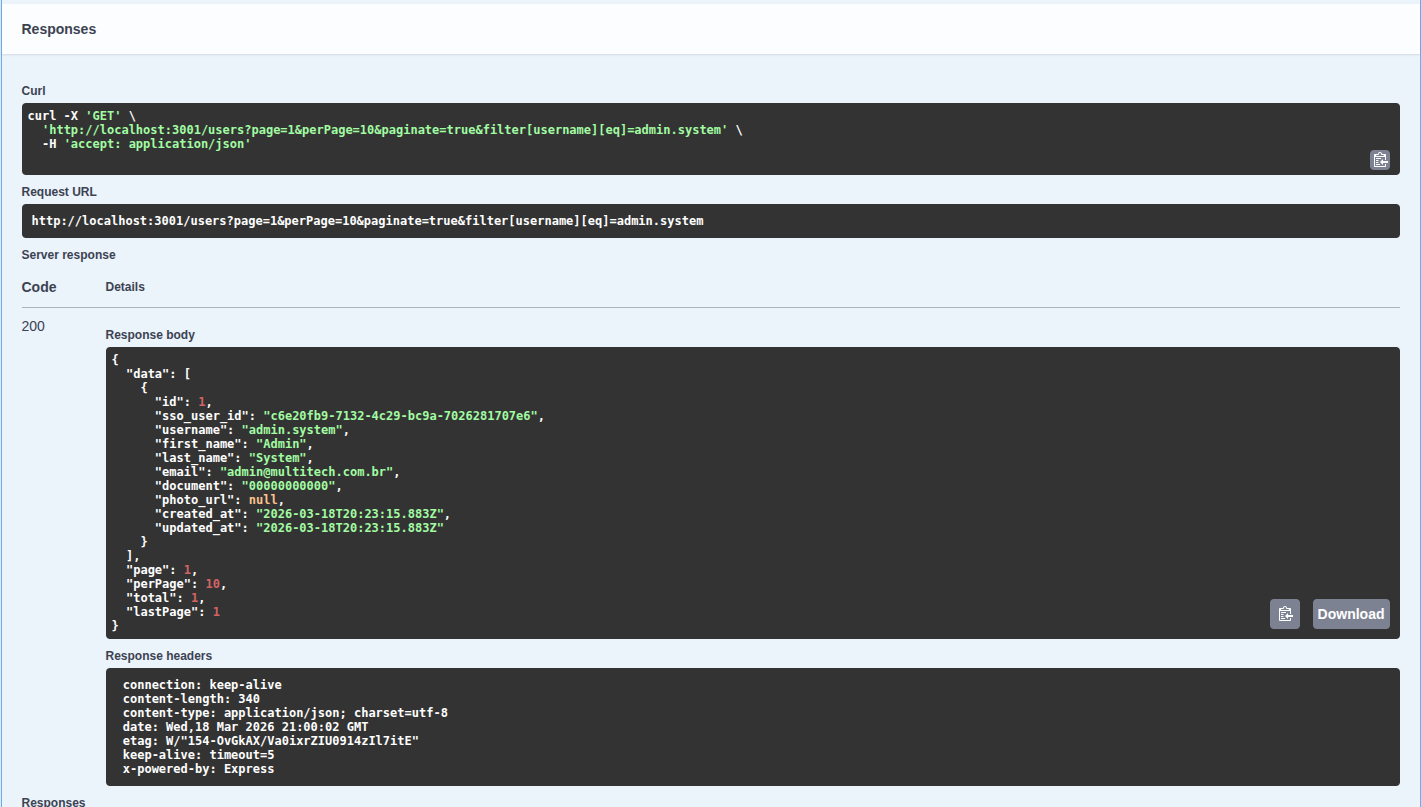
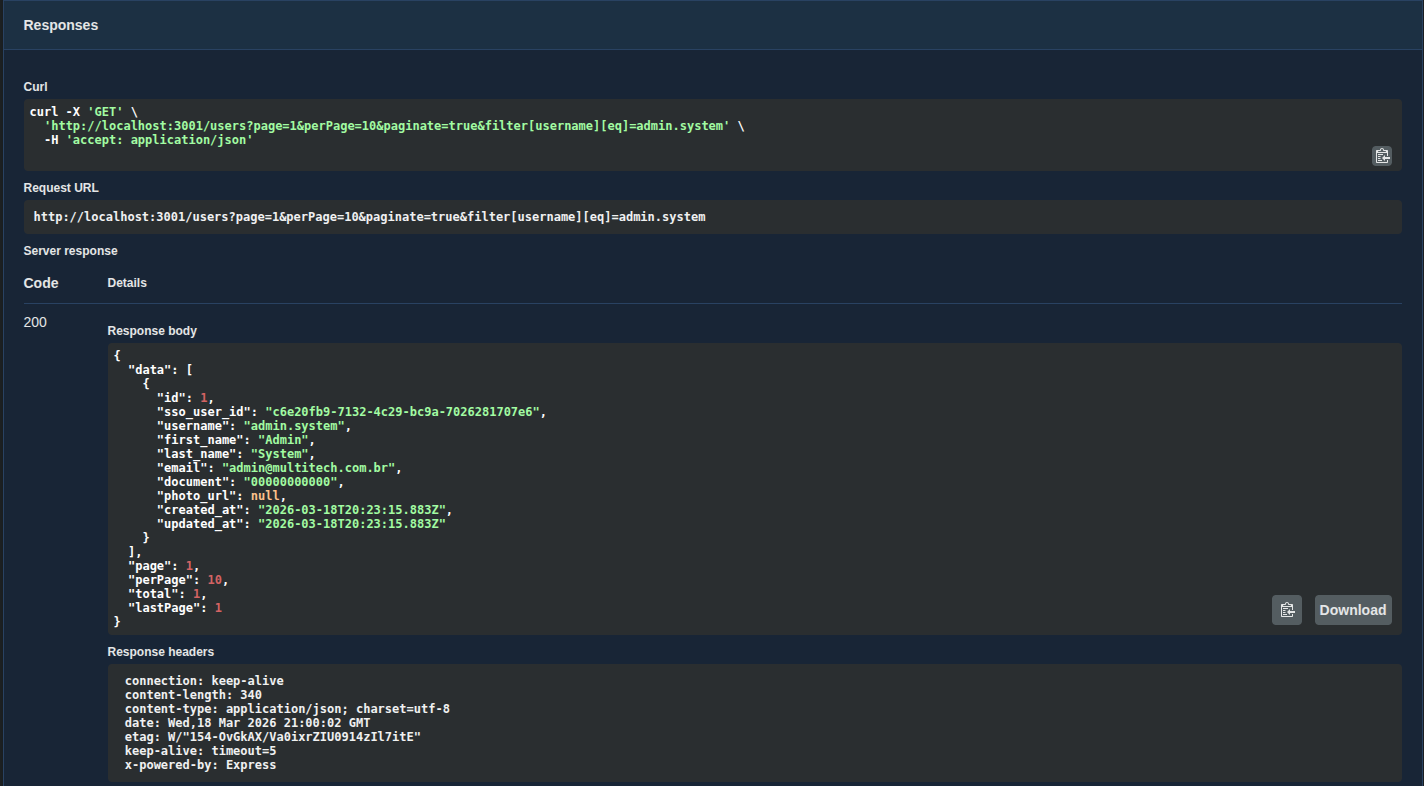
@ApiPaginatedResponse(model, options?) documents the response envelope —
data plus page, perPage, total, lastPage. Its signature did not change
in v3.
What gets generated
| Parameter | Emitted | Description carries |
|---|---|---|
page | always | — |
perPage | always | — |
paginate | unless the rules forbid it | the unpaginated row cap |
sort | when sorts is non-empty | every sortable path, plus an ascending and a descending example |
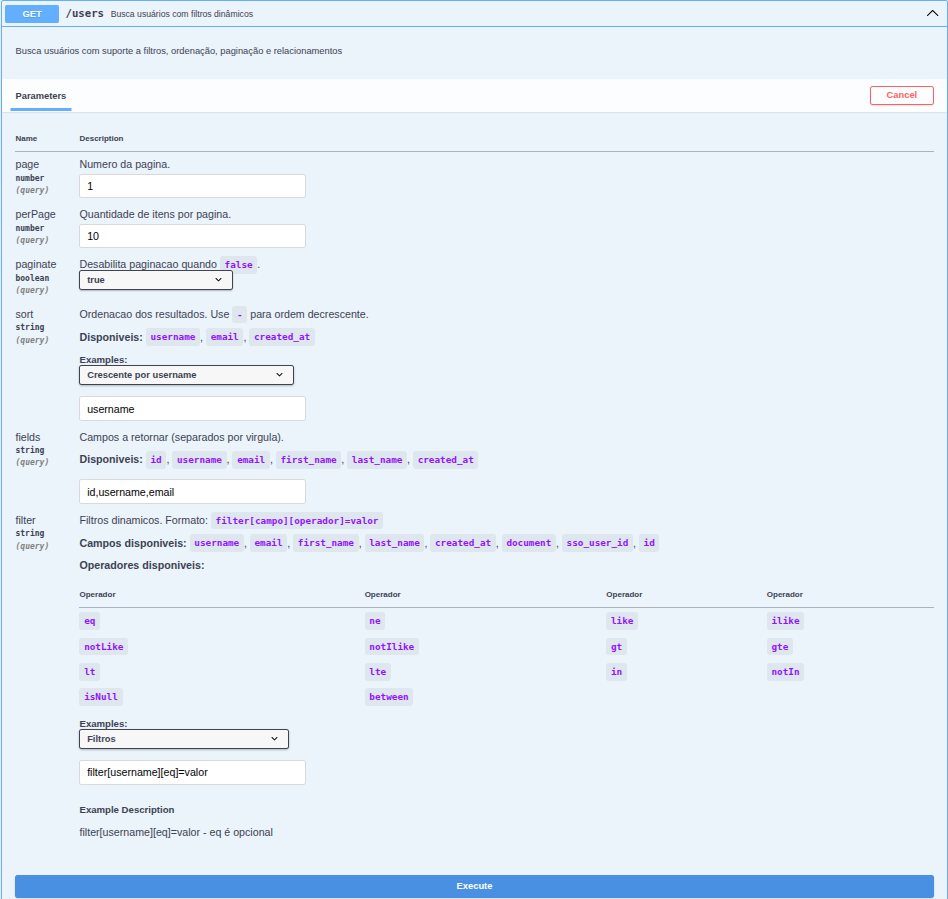
fields | always (fields.root is mandatory) | root allowed plus each relation's allowed, as dotted paths |
includes | when includes is non-empty | every includable relation path |
search | when search is non-empty | the searched paths |
filter | when filters is non-empty | every filterable path and a table of operators |
The operator table is the union of what the endpoint's fields authorise — there is no global operator list in v3 to fall back on. When an endpoint declares no filter at all, the full list of 14 is shown rather than an empty table.
Only the outer shapes are described. OpenAPI has no way to express
"filter[price] accepts gt but filter[name] does not", so filter is
documented as one string parameter whose description lists the paths and the
operators. The authoritative rule is still the compiled rules object, and an
unauthorised combination is a 400 with a machine-readable code.
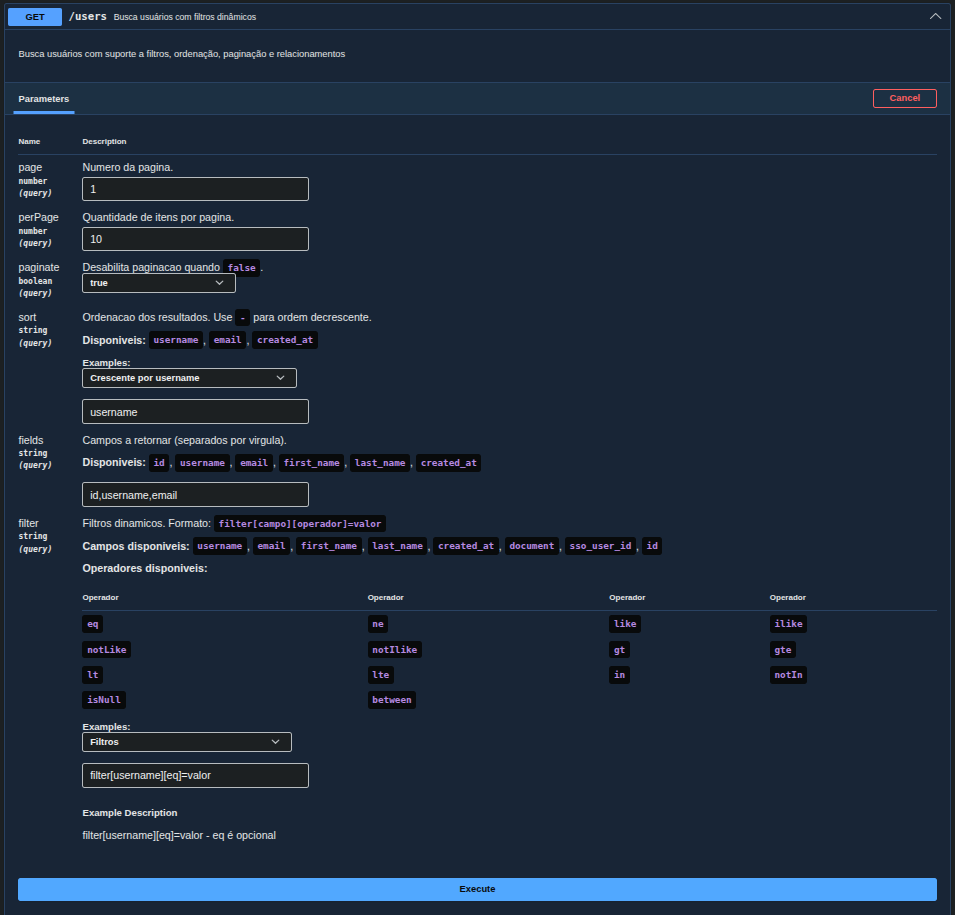
The generated parameter descriptions are currently written in Portuguese
(Numero da pagina., Ordenacao dos resultados., ...). They are not
localisable yet.
Expected result
Generated parameters
Query response
Why requestInterceptor is required
Swagger UI builds the parameter URL differently from the format the library
expects. dqbSwaggerRequestInterceptor intercepts the request before it leaves
and rebuilds the filters in the filter[field][op]=value form, which qs —
Express's extended query parser — can expand into a nested object.
Without it, filters reach the controller malformed and are ignored. For Postman, a frontend, or any client that builds the URL itself, the interceptor is not needed.
The form field accepts one expression ([name][eq]=Ada or
filter[name][eq]=Ada) or several joined by &
([name][eq]=Ada&[score][gt]=10).
@nestjs/swagger does not call the interceptor on the server: it writes it into
swagger-ui-init.js with fn.toString(), and the browser runs that text with
none of this package in scope. That is why the function
dqbSwaggerRequestInterceptor(document) returns is fully self-contained — the
marked routes travel inside its source as a literal. In 3.0.0-alpha.0 it was
a closure over module helpers, and every "Try it out" failed with
ReferenceError: interceptSwaggerRequest is not defined; upgrade instead of
copying a workaround into your app.
If you do not use Swagger, replace @ApiDynamicQuery with @DynamicQuery —
the rules registration and @QueryRules() behaviour are identical, with no
OpenAPI decorator generated.