
Playground
The repository ships a playground, a small NestJS app in playground/ that exercises the whole
stack before you wire the board into your own service. It exists to validate changes to the
library itself, and to show a complete, working setup you can copy from.
It brings up:
- Redis for six classic BullMQ queues (
notifications.*,payments.*,reports.generate,orders.pipeline), with flows and two job schedulers. - PostgreSQL for two BullMQ v6 queues stored in Postgres (
pg.invoices,pg.data-exports). - A second board over pg-boss at
/pg-boss, on apgbossschema in the same PostgreSQL. See the pg-boss board. - Keycloak 26 with a pre-imported realm, a confidential client, and two users.
- Synthetic traffic: workers with random latency, progress, logs and failures, so every view of the board has something in it.
Run it
Pick the auth mode with WM_AUTH in playground/.env:
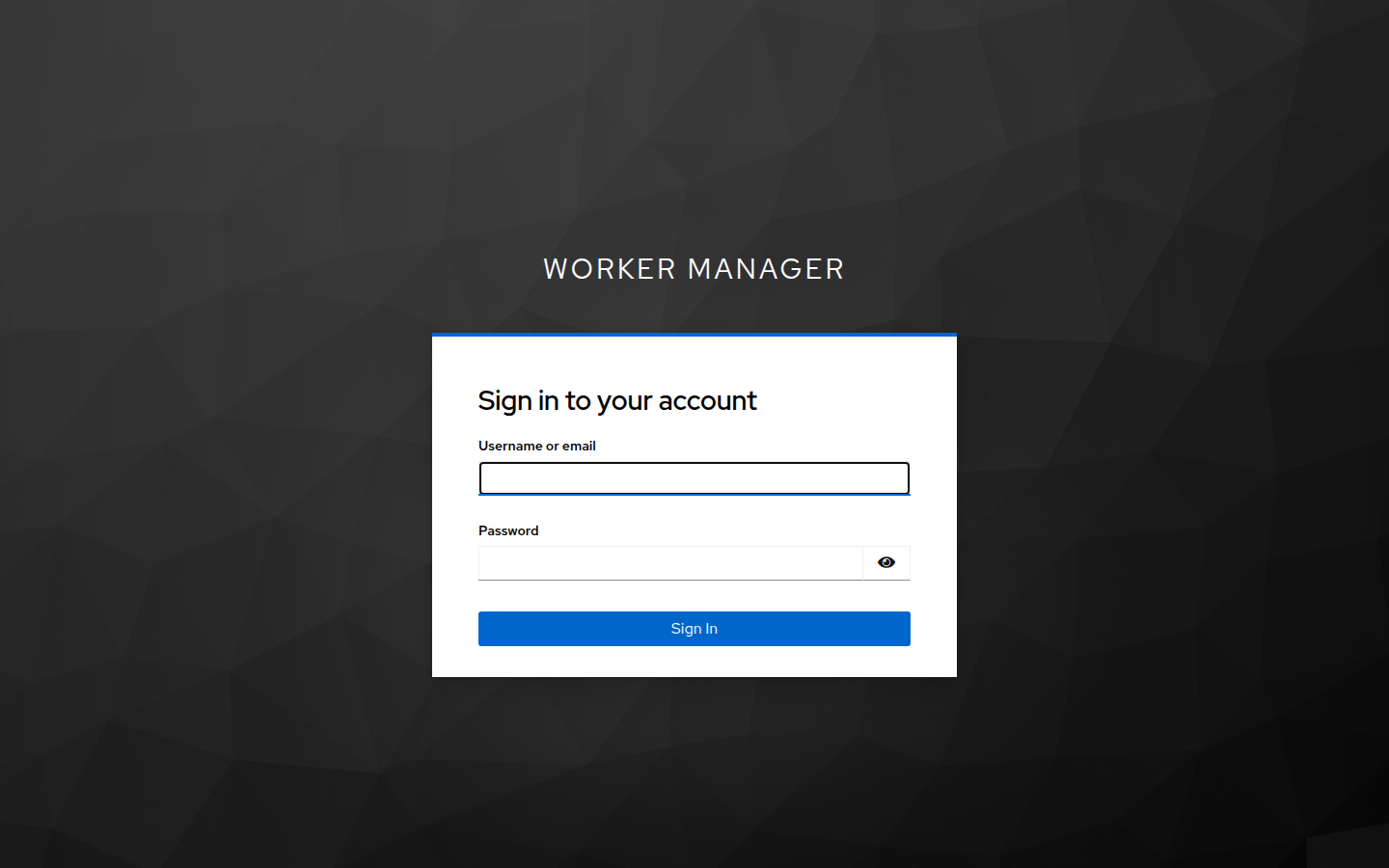
Both boards share the auth mode and the credentials above. Under Keycloak each board has a session
of its own: the named pg-boss board sets wm_session_pgboss, so signing in to one does not sign you
in to, or out of, the other.
Other switches in playground/.env:
Validate it
With the app running, yarn workspace @worker-manager/playground smoke checks the board against
the mode it reports on /health:
basic: 401 plus aWWW-Authenticatechallenge without credentials, 401 with a wrong password, 200 with the right one, and/auth/menames the user.keycloak: navigations redirect to Keycloak with PKCE S256, the API answers401 { error: { key: 'ERRORS.UNAUTHORIZED' } }without a session, awm-adminbearer token gets through, a user without the role gets403 ERRORS.FORBIDDEN, and/auth/mereports the Keycloak profile.- Every mode: both Redis and PostgreSQL queues are listed.
- Every mode, when
/healthreportspgBoss: true:/pg-bossanswers per the mode (HTML, 401 or a 302 to Keycloak),/pg-boss/api/pg-boss/queueslists the four queues with their policies and the dead letter queue,/pg-boss/api/pg-boss/inforeportswritable: true, both schedules are listed, and a job goes through send, cancel, resume and delete. WithWM_READONLY=true,inforeportsreadOnly: trueand the mutations answer 404.
It exits non-zero on the first failed check, so it can run in CI after docker compose up --wait.
How it is wired
The whole integration is one module import. The adapter is detected from the running Nest app, queues are registered at the root, and auth is a plain option:
The pg-boss board
playground/src/pgboss/ creates the app's own PgBoss with migrate: true on the playground's
PostgreSQL, schema pgboss, and starts it before the app listens. It creates five queues and two
schedules:
mail.send also has an RRULE schedule, FREQ=MINUTELY;INTERVAL=3. Workers fail at random, so
the board shows retry, failed and dead-lettered jobs next to completed ones.
The board is a second, named WorkerManagerModule.forRoot(). It takes the started instance, plus
a connection so reads get a server-side statement_timeout:
Each board has a miscLinks entry pointing at the other. See
the NestJS pg-boss board for every
option.
See playground/src/app.module.ts for the switch between the three modes and
playground/src/queues/ for the Redis and PostgreSQL queue setup.